See your exam timetable and hall ticket
Exams shows your exam timetable for each session once the exam cell publishes it: your papers, their dates, times and rooms, and your hall ticket once it's issued.
Who can do this: students, for their own papers.
Steps
- In the menu, choose Exams.
- Read each session, for example Nov–Dec 2026. Each paper shows its date, the course, the session of the day and its times (for example "Forenoon, 10:00–13:00"), how long it is, and the room when it's set.
- A paper that isn't a regular one is marked, for example as an arrear attempt.
- Under the papers, find Your hall ticket, with its number. Choose Open to see it.
- On the hall ticket, choose Print or save as PDF to print it or keep a copy.
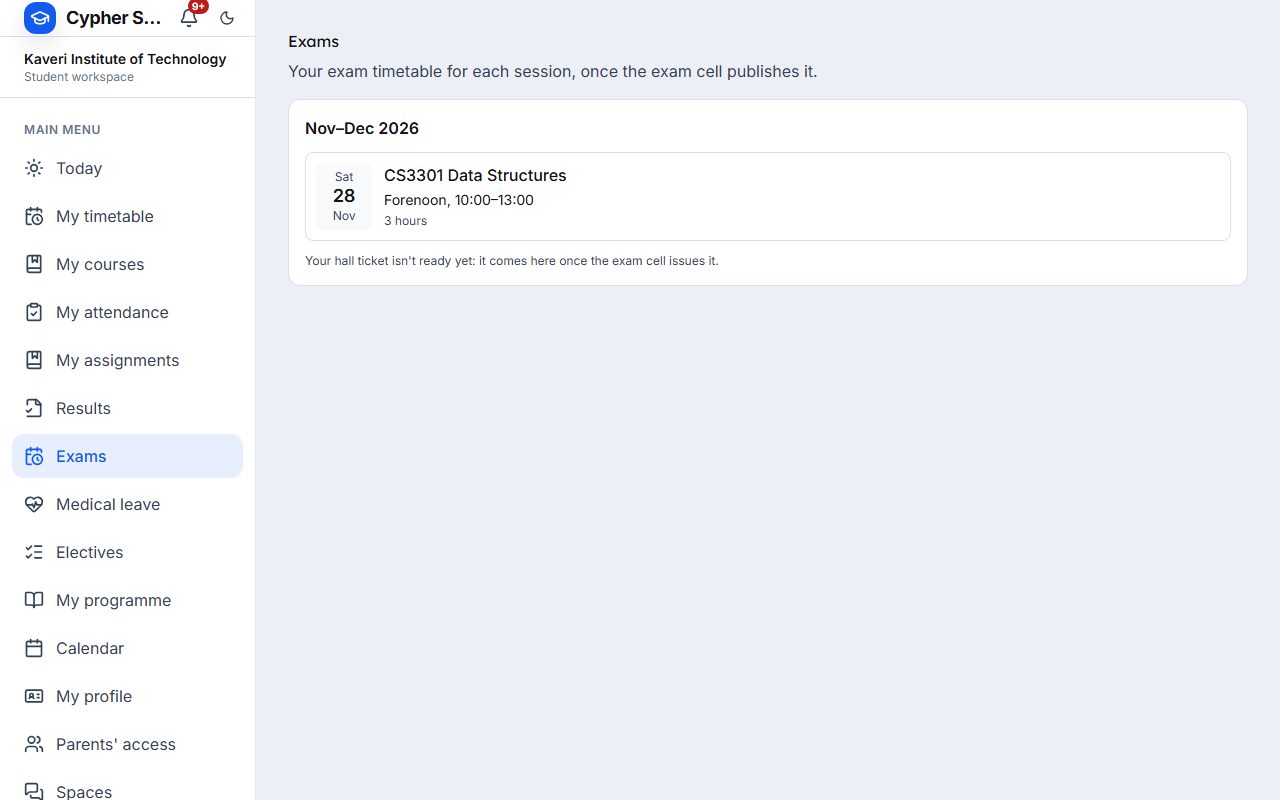
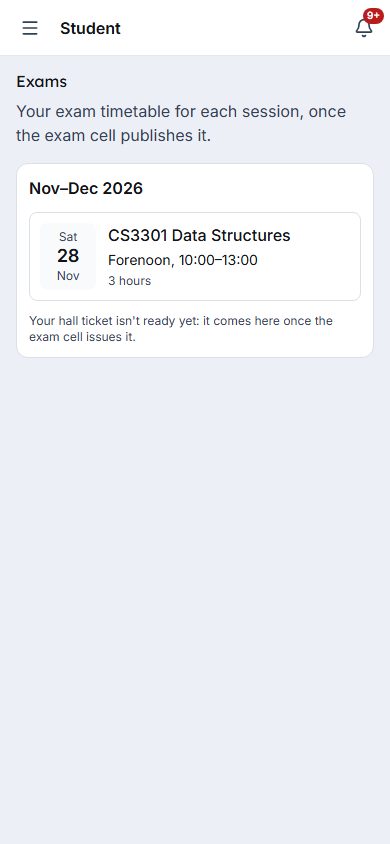
Your next exam is also on Today, under Exams and results, with a link to your hall ticket once it's issued.
Whether you may sit a paper
When the exam cell freezes eligibility, a paper you may not sit is struck through, with the reasons: "You may not sit this paper: {reasons}", for example your attendance in that course. If you may not sit any paper in the session, there's no hall ticket: "Ask the exam cell about the reasons above."
What happens next
You get a notification when the timetable is published ("{session}: you're on the exam timetable"), and when your hall ticket is issued ("{session}: your hall ticket is ready") or reissued ("{session}: your hall ticket is reissued"). A reissued ticket says so beside its number.
If something goes wrong
- "No exam timetable yet": your papers, dates and times appear here once the exam cell publishes the timetable.
- "Your hall ticket isn't ready yet: it comes here once the exam cell issues it.": wait for the exam cell to issue it.
- "Not on the timetable yet: …": a paper of yours hasn't been given a date yet. You're told when it is.
- A paper is missing, or a reason looks wrong: ask the exam cell.