See your assignments
My assignments lists the work your teachers set: what's due, what's missing, what you've handed in, and what's been returned with marks.
Who can do this: students, for their own work in the courses they take.
Steps
-
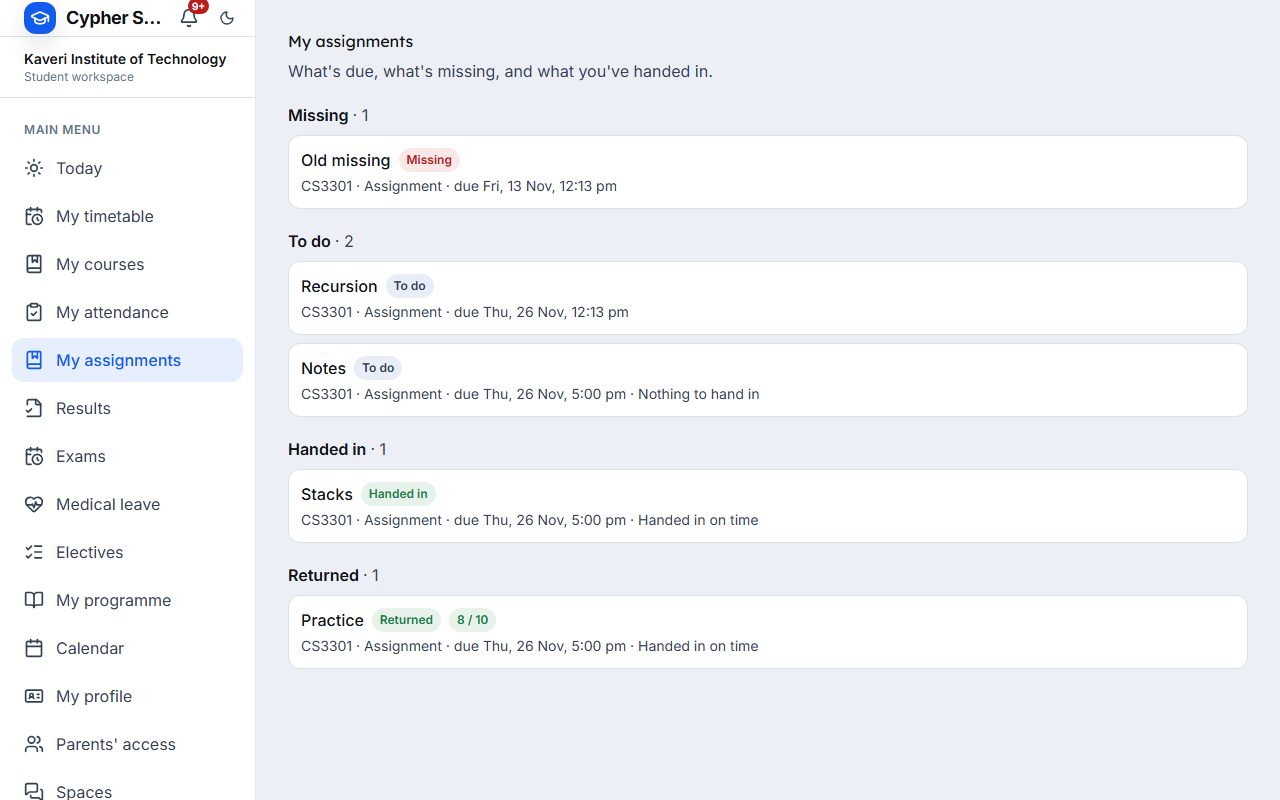
In the menu, choose My assignments.
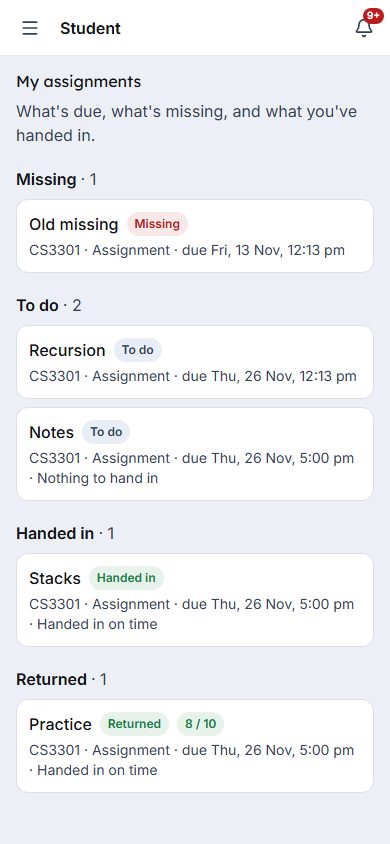
The work is grouped:
- Missing: past its due time and not handed in.
- To do: open, to hand in.
- Handed in: waiting to be marked.
- Returned: marked and returned, with the mark.
- Excused and cancelled: work you don't have to do.
-
Read each row: its title and status, then the course, the kind of work and the due date, for example "CS3301 · Assignment · due Thu, 26 Nov, 12:13 pm". It may also say:
- Handed in on time, or how late it was;
- Nothing to hand in: your teacher enters the marks;
- Hand in on paper: you hand it in on paper, and your teacher records it;
- Extended: you have a later due date than the class;
- Not sent yet: you turned it in on this phone without a connection, and it hasn't reached the college.
-
To see only one course, choose it under Course.
-
Choose a piece of work to open it.
Today also shows work missing and work due in the next 3 days.
Your coursework marks
When a course counts coursework toward your internal marks, Coursework marks shows its total from the work returned to you: So far while it's being built up, and Approved once the course's marks are approved. Approved marks are locked: they're what goes into your results. Incomplete: an item is missing means a counted piece has no mark yet.
If something goes wrong
- "Nothing set yet": your teachers haven't set any work that's open yet.
- "You're offline": you see the copy kept on this phone. See Hand in without a connection.
- Work you think you handed in shows Missing: open it. If it says Not sent yet, it's still on your phone.