Agree to the community rules
Spaces and announcements are the college's. Before you use them the first time, you read the college's community rules and say you've read them. You read them again once a year, and whenever they change.
Who can do this: everyone who uses spaces and announcements: students and staff.
Steps
-
Open Spaces or Announcements from the menu.
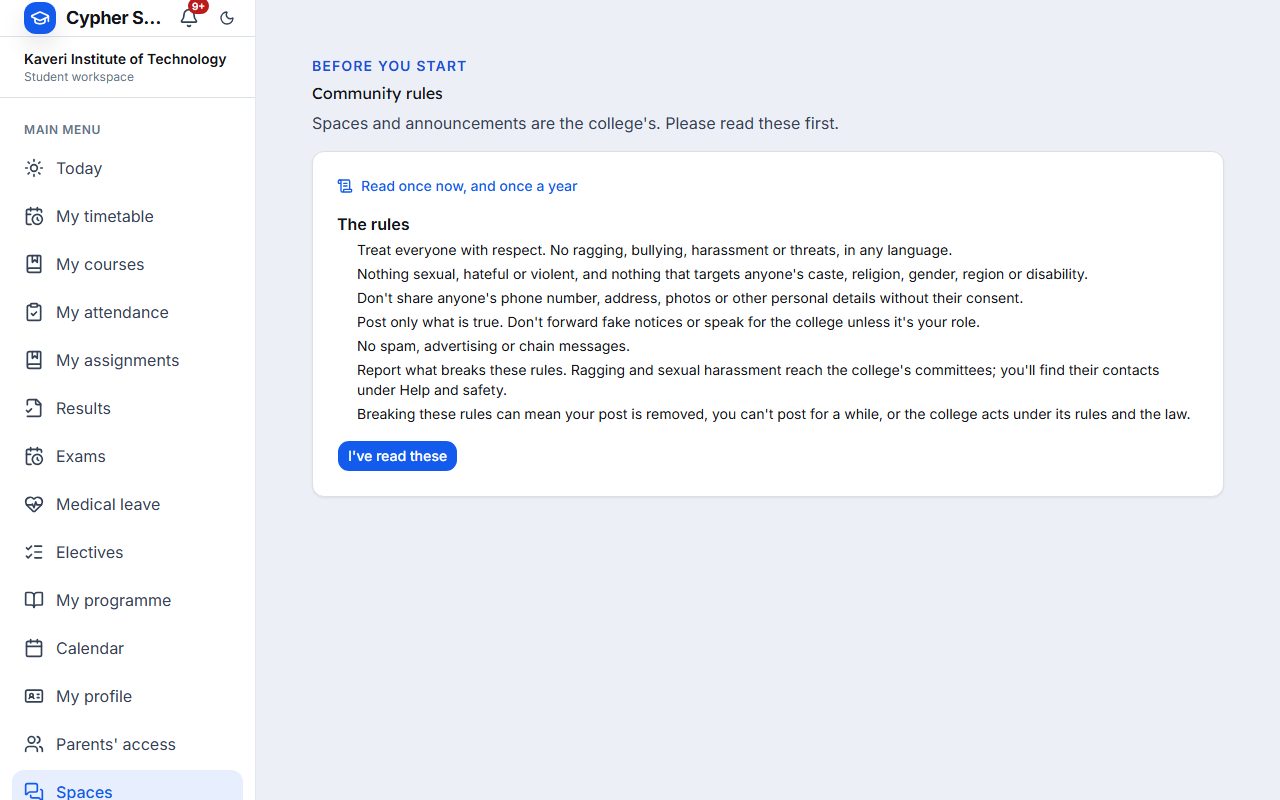
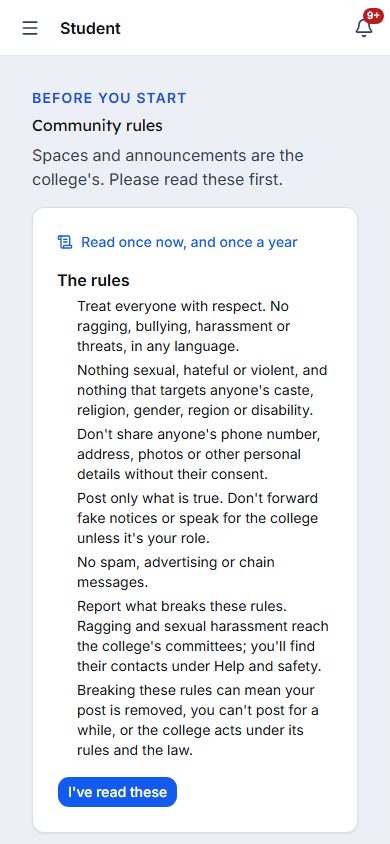
The first time, you see Community rules: "Spaces and announcements are the college's. Please read these first."
-
Read The rules. Your college writes its own; they typically cover respect and no ragging, harassment or threats, keeping others' personal details private, posting only what's true, no spam, and reporting what breaks the rules.
-
Choose I've read these.
What happens next
The page you opened appears. You won't see the rules again until a year has passed or the college changes them; then the page says "The rules changed, or it's been a year: please read them again."
Breaking the rules can mean your post is removed, you can't post for a while, or the college acts under its rules and the law.