Query a mark
If you think a returned mark is wrong, ask your teacher about it, saying why. Your teacher answers: they may change the mark or explain it. If the answer doesn't settle it, you can take it to the HOD, whose decision is final.
Who can do this: students, about their own returned marks, once per mark, within the college's window: 7 days after the mark was returned or last changed, unless your college sets another.
Ask your teacher
- Open the returned work from My assignments.
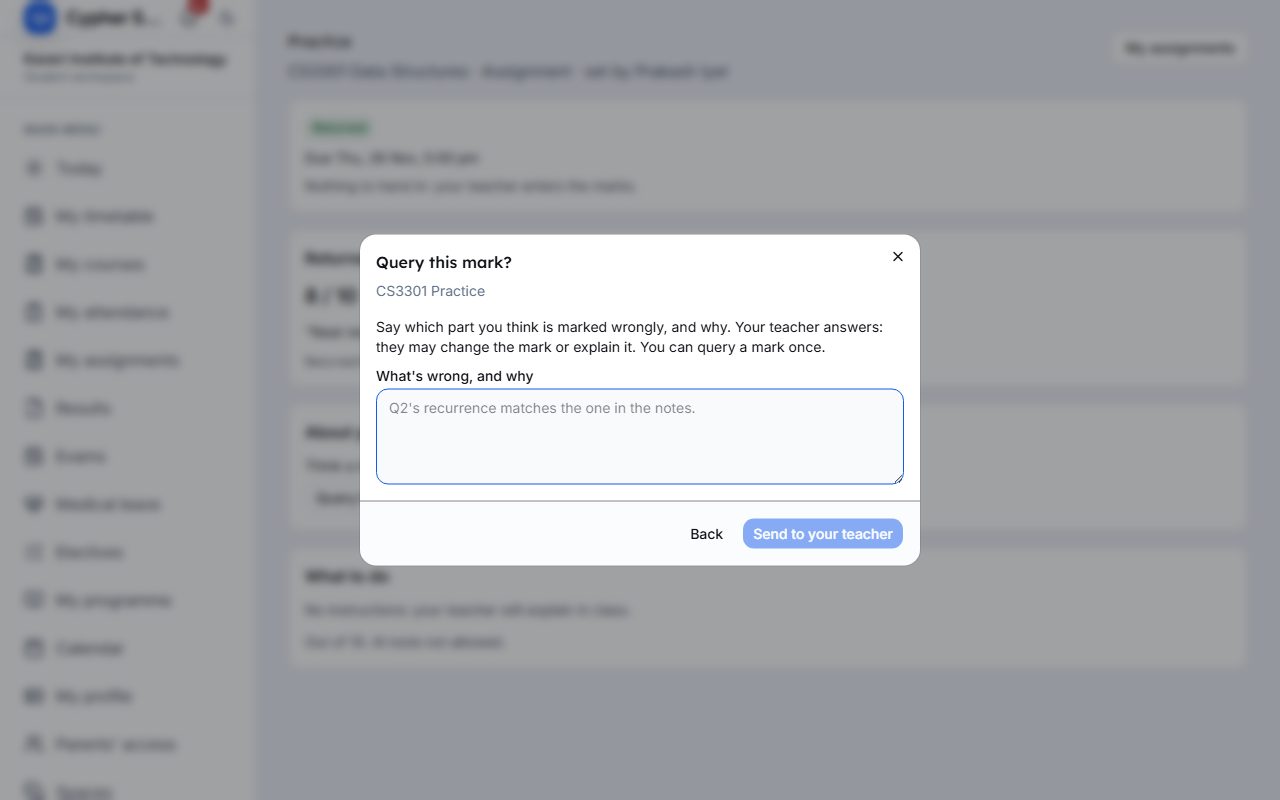
- Under About your mark, choose Query this mark… The line above it says until when you can ask.
- In What's wrong, and why, say which part you think is marked wrongly, and why, for example "Q2's recurrence matches the one in the notes."
- Choose Send to your teacher.
About your mark now shows Your query, Waiting for your teacher: "Sent: your teacher answers here, and you're told."
When your teacher answers
You get a notification. Your query shows Answered, with your teacher's answer, and either "Your mark is now {mark}." or "Your mark stays as it was."
- If that settles it, choose Accept the answer. The query is closed.
- If it doesn't, choose Take it to the HOD…, say why the answer doesn't settle it, and choose Take it to the HOD. The page says until when you can do this.
When the HOD decides
The query shows With the HOD until they decide, then Decided, with the HOD's decision and your mark. That decision is final.
If something goes wrong
- There's no Query this mark…: the window has passed, you've already queried this mark, or the work isn't marked.
- "Closed: it wasn't taken to the HOD in time.": an answer nobody takes further closes when the window passes.
- "Queries go when you're online.": connect to the internet, then send it.