Check your profile and ask for a correction
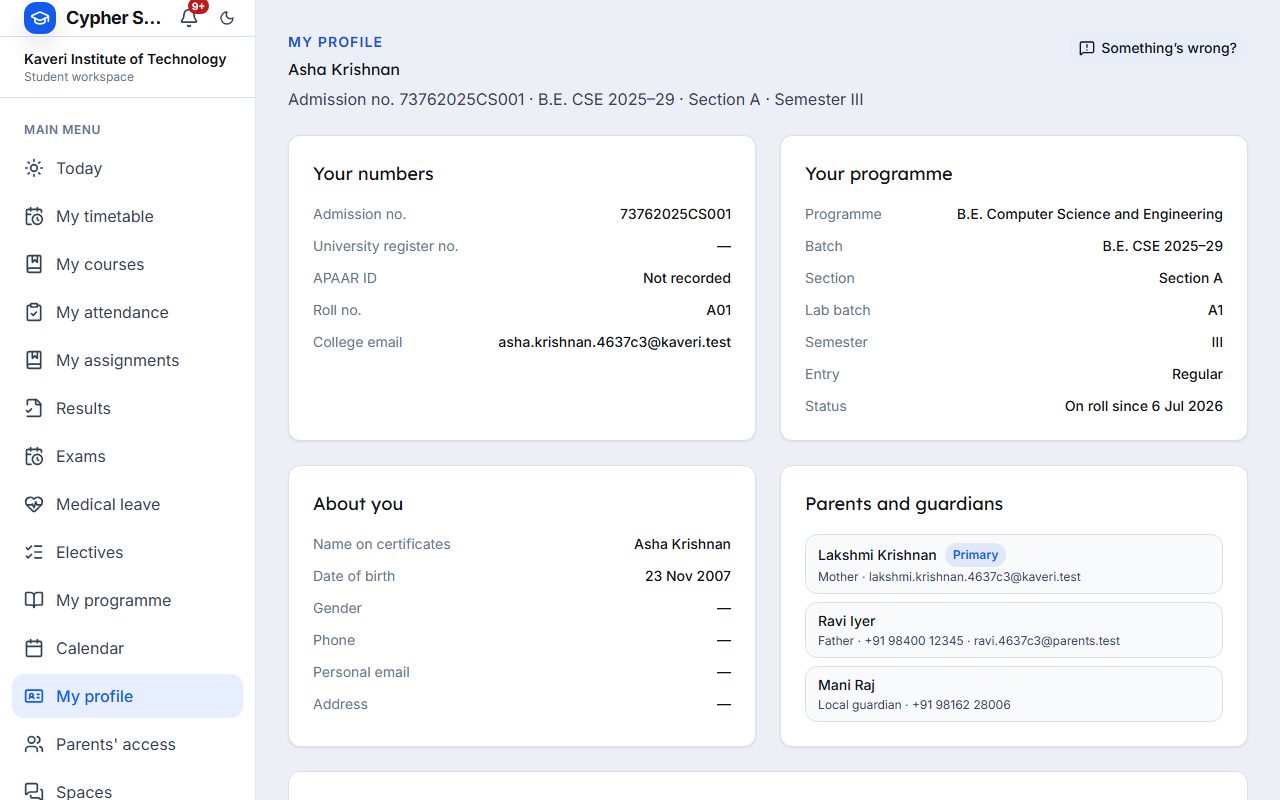
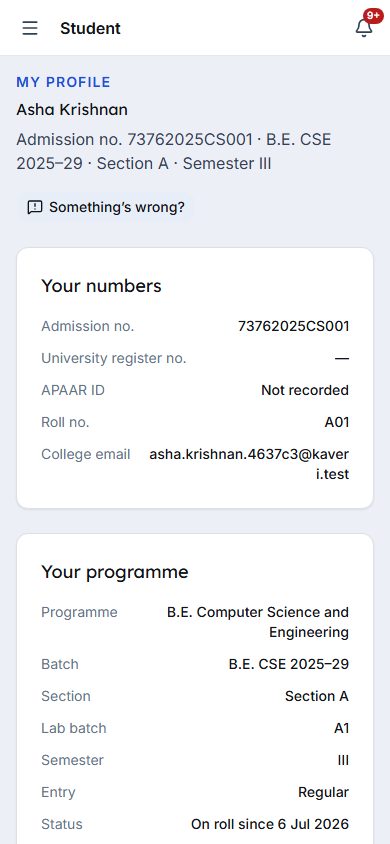
My profile shows your record at the college: your numbers, your programme and section, your details, your parents and guardians, and your enrolment history. If something's wrong, ask the academic office to correct it.
Who can do this: students, for their own record. The academic office makes the corrections.
See your profile
- In the menu, choose My profile.
- Read the cards:
- Your numbers: admission number, university register number, APAAR ID, roll number and college email.
- Your programme: programme, batch, section, lab batch, semester, entry, and your status, for example "On roll since 6 Jul 2026".
- About you: name on certificates, date of birth, gender, phone, personal email and address.
- Parents and guardians: each one, with their relation and contact details. Primary marks the main contact.
- Enrolment history: each batch and section you've been in, with the dates.
Ask for a correction
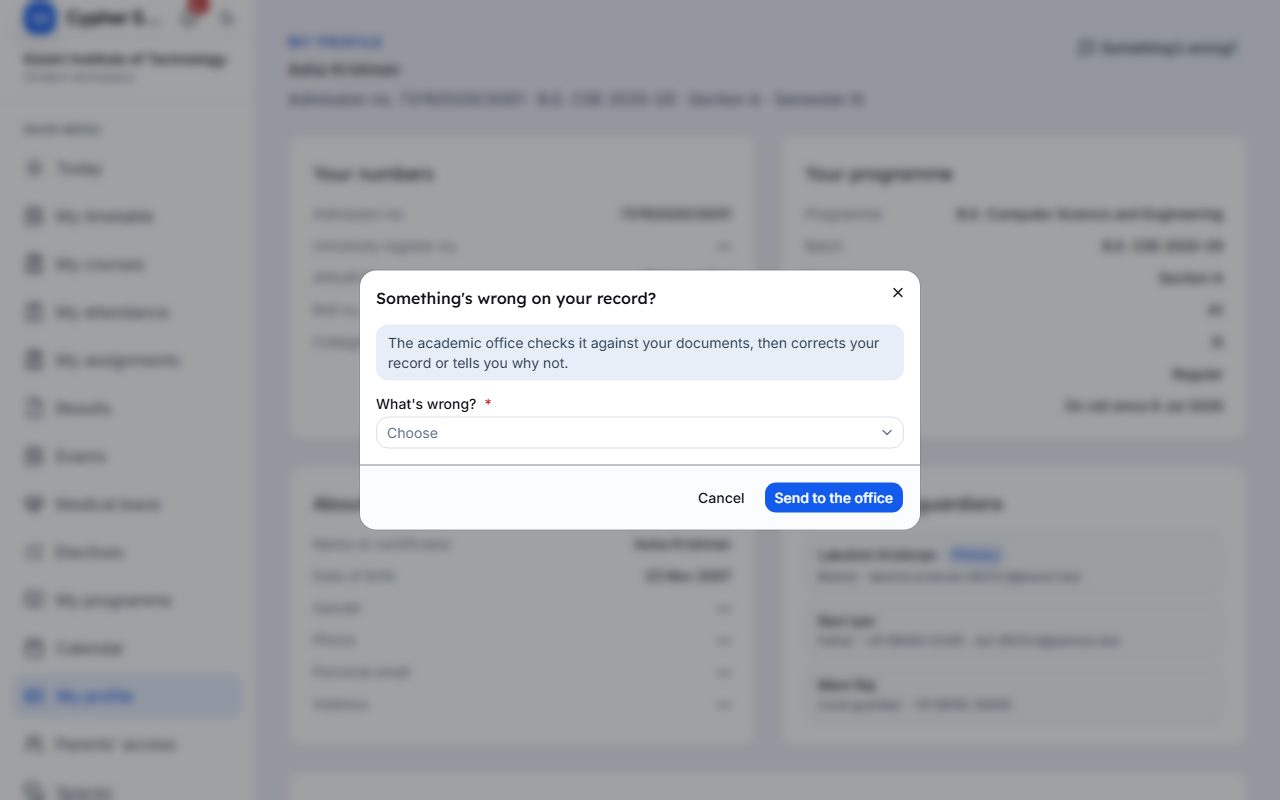
- Choose Something's wrong?
- Under What's wrong?, choose what to correct: for example Name on certificates, Date of birth, Phone, University register number, APAAR ID, or Something else.
- Enter What it should be. For Name on certificates, enter it exactly as on your 10th or 12th mark sheet. For Something else, say what's wrong and what it should be, for example a guardian's phone number, your community, or your section.
- Choose Send to the office.
What happens next
"Sent to the academic office: {what}. You'll get a notification when they answer." The office checks it against your documents, then corrects your record or tells you why not. Corrections you asked for lists each request: Waiting for the office, Corrected, or Declined.
If something goes wrong
- "You've already asked about this; wait for the office's answer.": one request per detail at a time.
- "You don't have a student record here yet": the academic office creates it when you're admitted. If you think this is wrong, ask the office.