Take back work you handed in
Handed in too soon, or forgot a file? Take the work back, change it, and turn it in again. You can do this until your teacher starts marking it.
Who can do this: students, for their own handed-in work, until marking starts, while online.
Steps
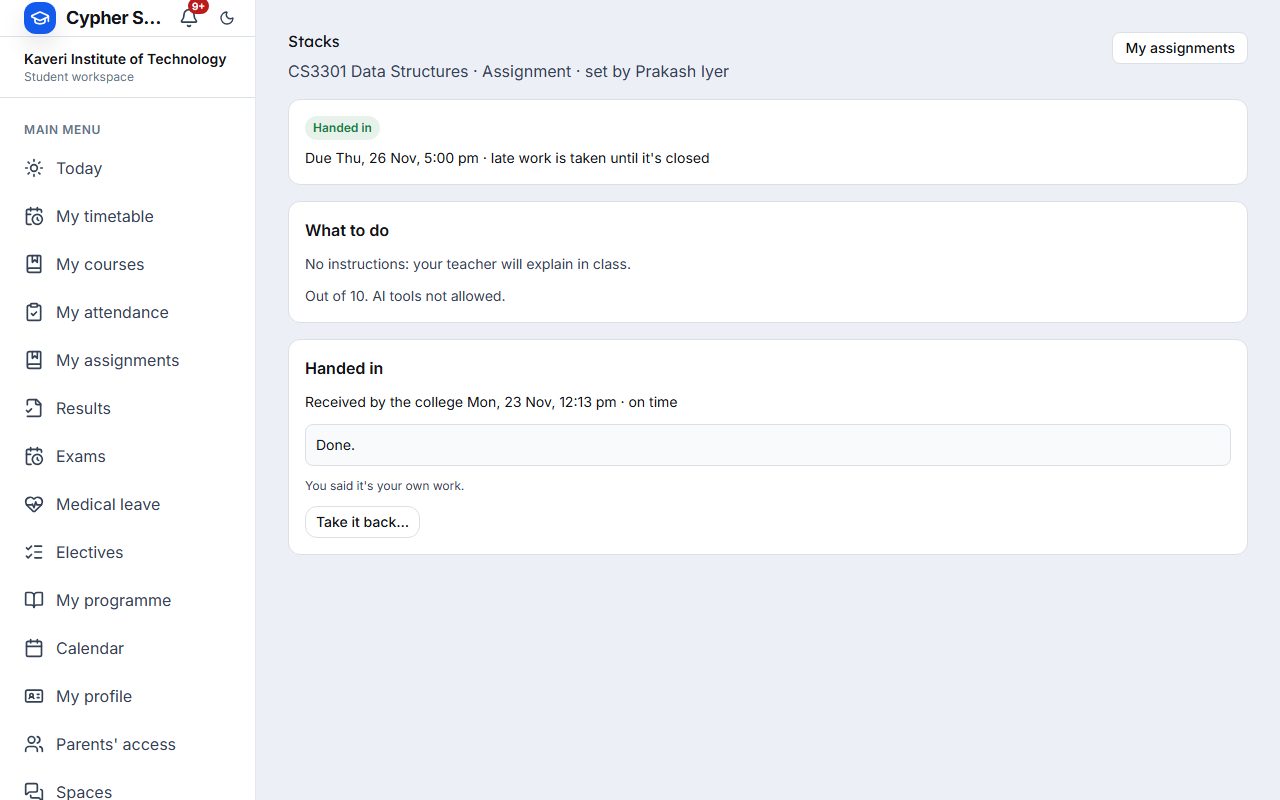
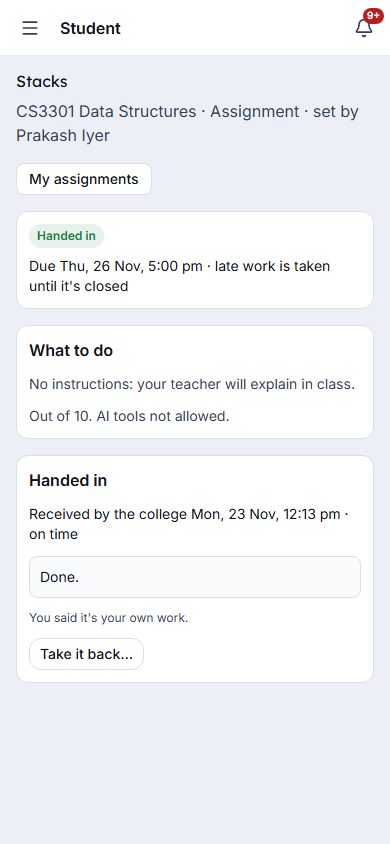
- Open the work from My assignments. It shows Handed in.
- Choose Take it back…
- Read the message: "It's no longer handed in until you turn it in again. What you handed in is kept in the record." Choose Take it back.
- Change your answer or your files.
- Choose Turn in again.
What happens next
The new version is what your teacher marks. Every attempt is kept, and Earlier attempts lists them.
warning
If the due time has passed, turning it in again marks it late: "Turned in again after {due time}, it's marked late."
If something goes wrong
- There's no Take it back…: your teacher has started marking it, or the work is closed.
- "Take it back (when you're online)": you're offline. Connect, then try again.