Your account
Account holds your profile and sign-in settings: who you are at the college, your workspaces, your privacy, this device, your password, and signing out.
Who can do this: everyone, for their own account.
Open your account
- Open the account menu: your name at the bottom of the menu.
- Choose Account.
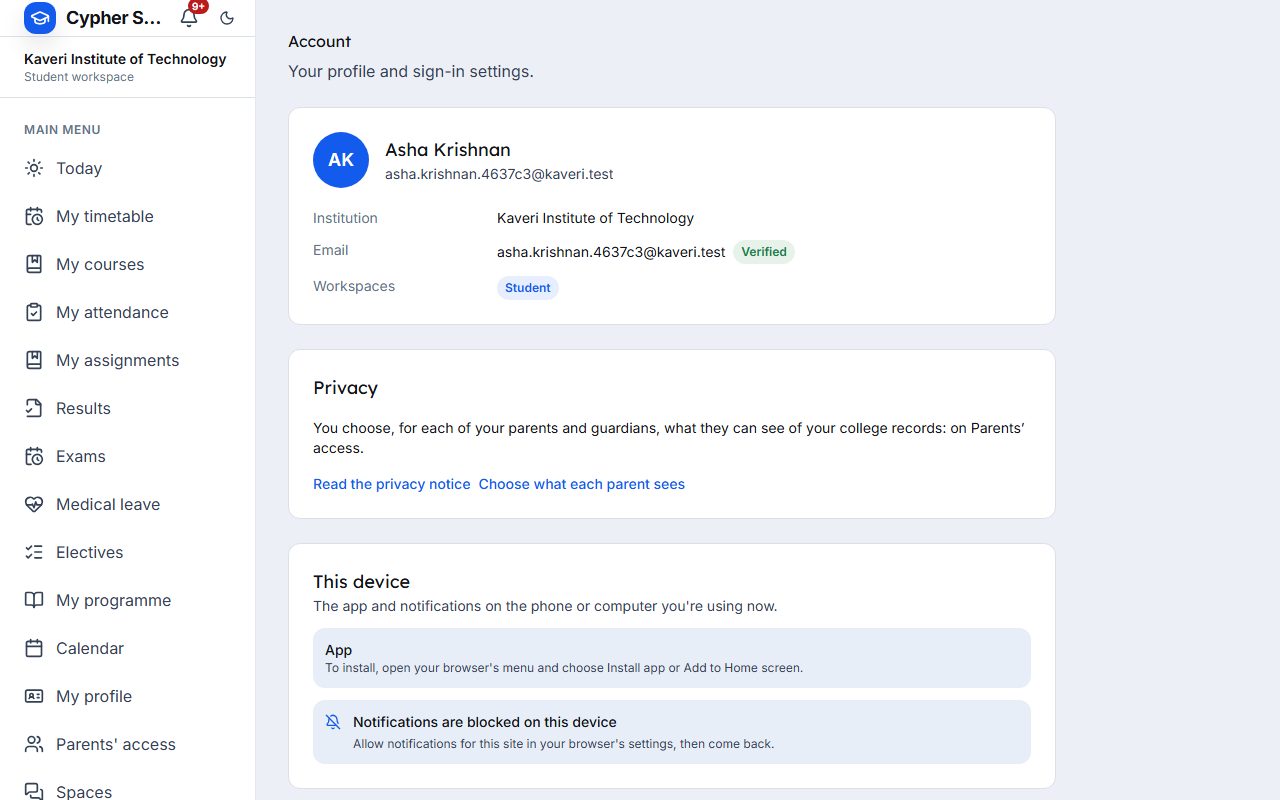
What's on it
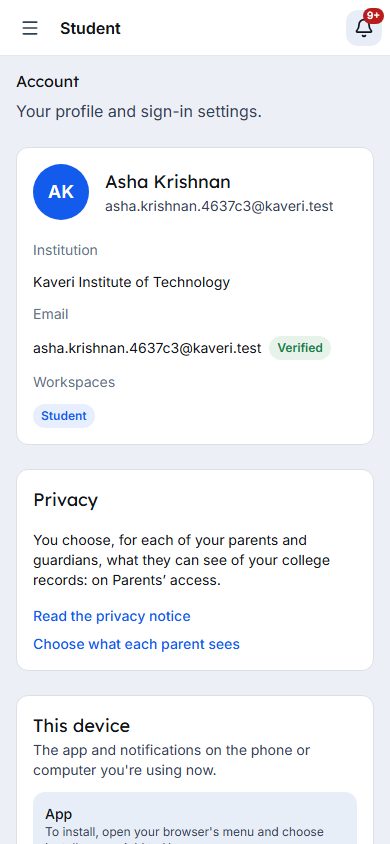
- Your profile: your name and email, your Institution, whether your Email is Verified, and your Workspaces at the college.
- Privacy: how your college uses your information. Choose Read the privacy notice to read it. Students also see who among their parents can see their records, and Choose what each parent sees. See Choose what your parents see.
- This device: whether the app is installed on the phone or computer you're using, with Install app when it can be, and whether it gets notifications, with Turn on when it can. See Install the app on your phone.
- Change password. See Change your password.
- Sign out.
Sign out of this phone or computer
Sign out when you've finished on a shared or borrowed device.
- Choose Sign out at the bottom of Account, or in the account menu.
You go back to the sign-in page. Only this device is signed out.
If work you turned in, or a register you took, is still on this phone waiting for a connection, signing out asks first: "Work you turned in hasn't reached the college" or "A register hasn't reached the college". It stays on the phone and is sent only when you sign in on this phone again; nobody else signing in on it can send it. Choose Stay signed in until it's sent, or Sign out anyway.
To sign out of every device at once, change your password.