See what you can see, and who to contact
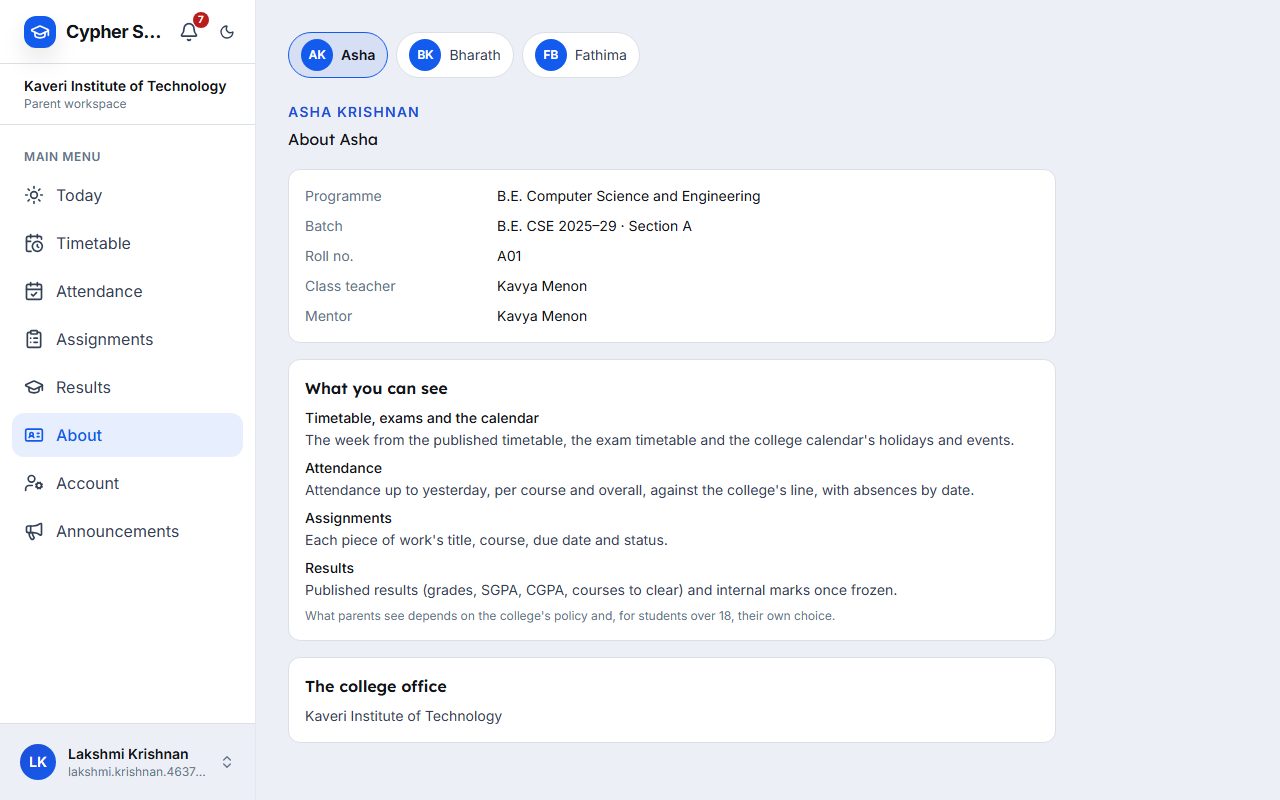
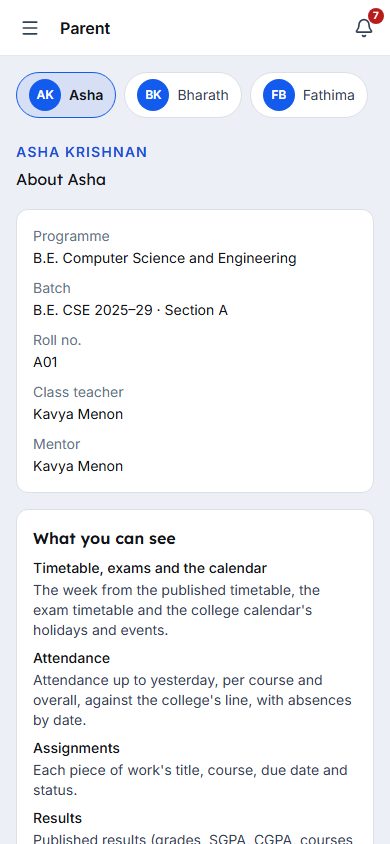
About shows, for each child, their programme and section, the areas you can see and what each includes, and who to contact: their class teacher, their mentor and the college office.
Who can do this: parents and guardians who can see at least one area for the child.
Steps
- In the menu, choose About. With more than one child, choose the child at the top.
- Read your child's Programme, Batch and section, and Roll no.
- Read who to contact: the Class teacher and the Mentor, by name.
- Read What you can see: each area shared with you, and what it includes.
- Read The college office: its email and phone, when the college has added them.
The four areas
| Area | What it includes |
|---|---|
| Timetable, exams and the calendar | The week from the published timetable, the exam timetable and the college calendar's holidays and events. |
| Attendance | Attendance up to yesterday, per course and overall, against the college's line, with absences by date. |
| Assignments | Each piece of work's title, course, due date and status. |
| Results | Published results (grades, SGPA, CGPA, courses to clear) and internal marks once frozen. |
What parents see depends on the college's policy and, for students over 18, their own choice. A parent never sees a student's class rank, discipline, counselling, health, category, fees, other students, or the student's other guardians.
The college shows staff names only: for a teacher's phone number or email, ask the college office.
Related
- Why you can't see something
- Choose what your parents see, the student's side