Why you can't see something
Sometimes a child, or one area of theirs, shows "Nothing to show for {child} right now." This page explains why, and what you can do.
Who this is for: parents and guardians.
What you see
The page says, whatever the reason:
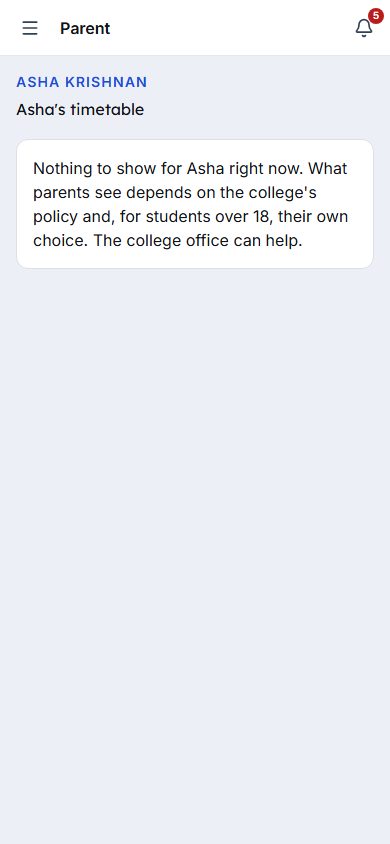
Nothing to show for {child} right now. What parents see depends on the college's policy and, for students over 18, their own choice. The college office can help.
It's the same words for every reason, on purpose: the app never says why.
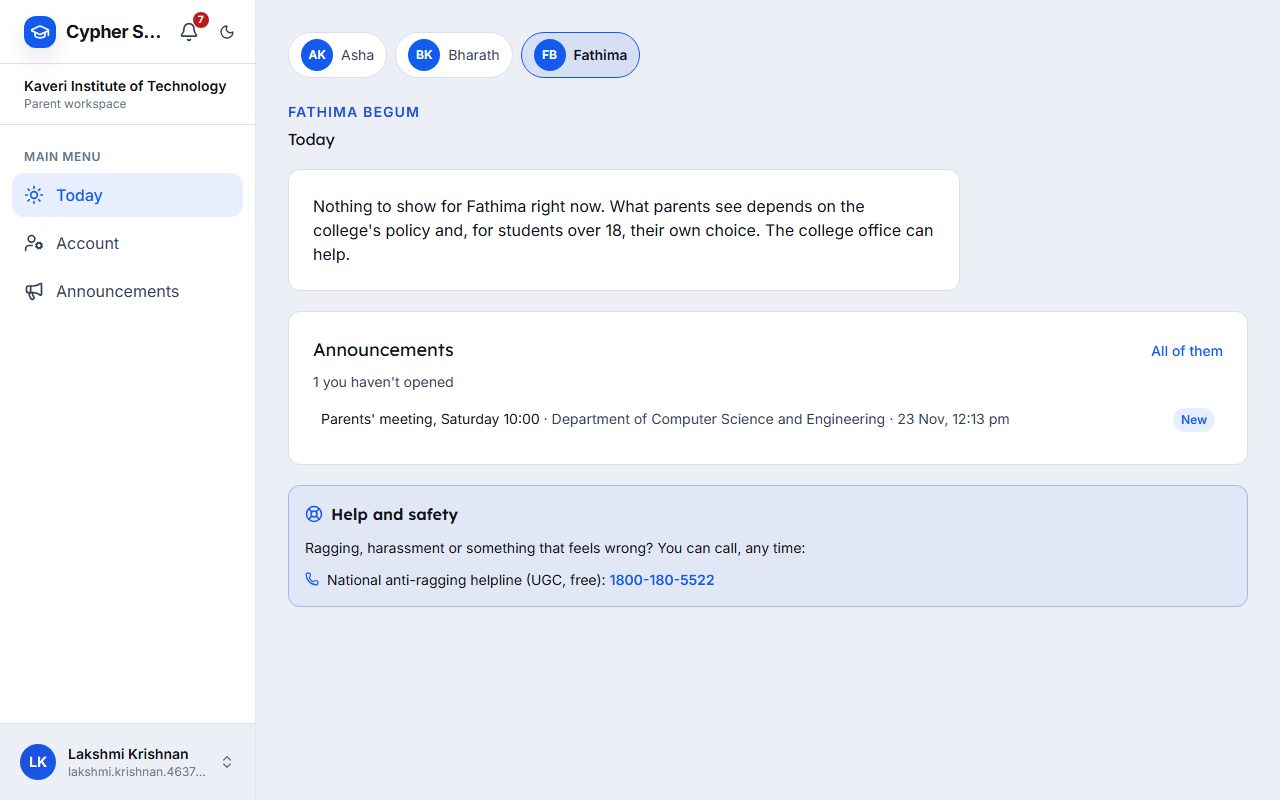
An area you can't see for a child isn't in your menu while that child is chosen. Opened from a link, it shows the same words.
Why it can happen
What a parent sees depends on:
- The college's policy. The college decides whether it shares records with parents, and which areas.
- The student's choice, once they're 18. An adult student decides, for each parent, which areas they share, and can change it any time. From their 18th birthday, what a parent saw before waits until the student chooses.
- A parent's consent, while the student is under 18. For a student under 18, the college office records a parent's consent first.
- The college office. The office can pause a parent's access.
- Your link to the student. Access ends if you're no longer linked to them as a parent or guardian.
When what you can see changes, you get a notification: "There's a change to what you can see for {child}". It doesn't say why either.
What you can do
- Talk to your child, if they're over 18: they choose what you see.
- Ask the college office. Its contact is on About for any child you can see, and on the "Nothing to show" message itself.
If your college hasn't turned on parent access
You see "{College} hasn't turned on parent access." Nothing is shared with parents until it does.