See your child's assignments
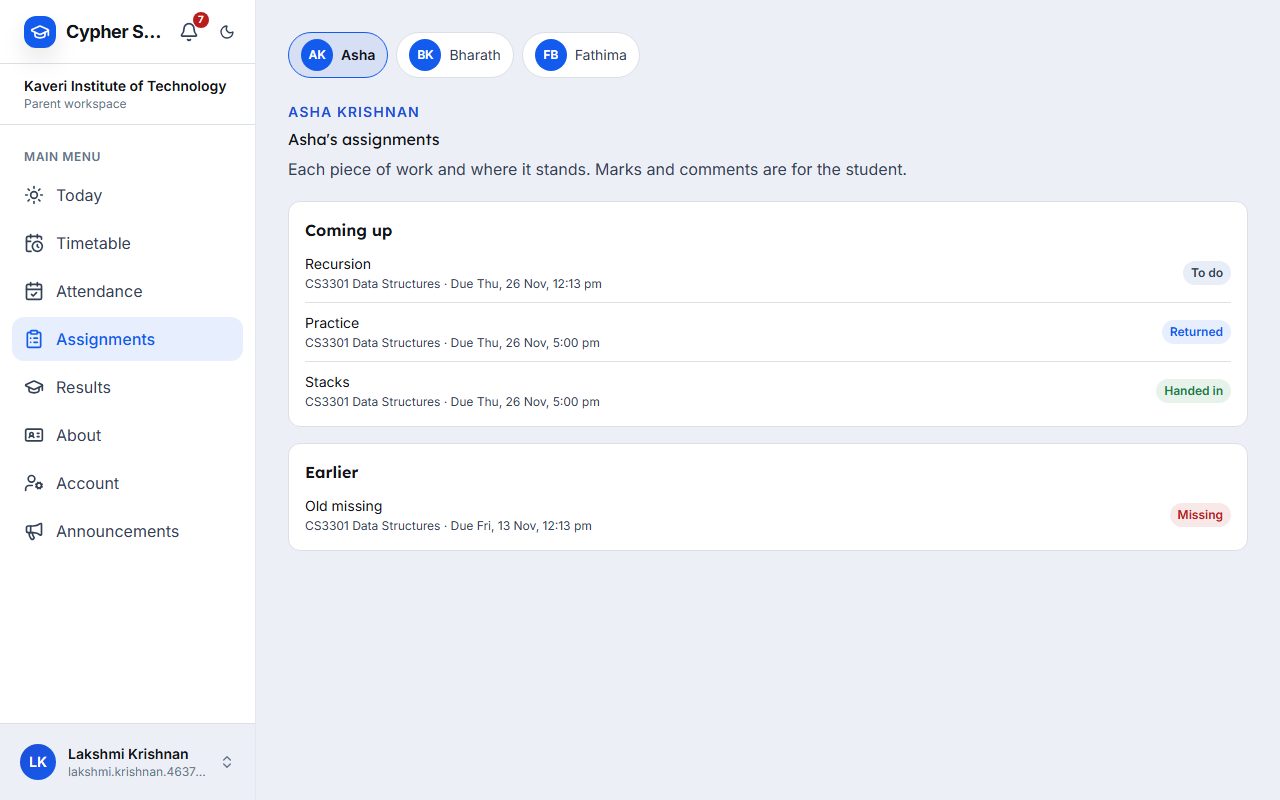
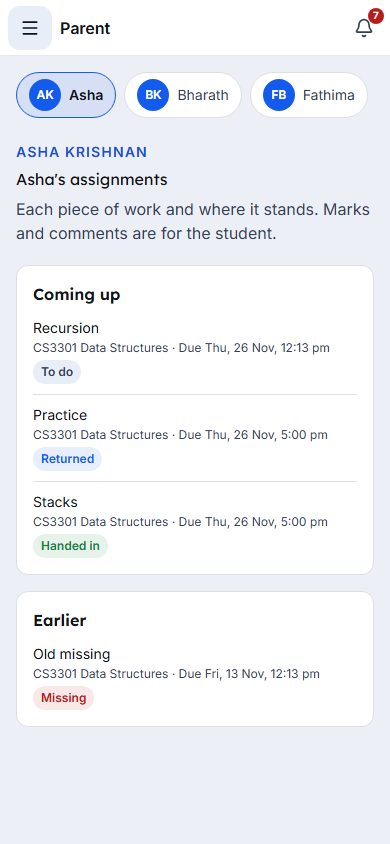
Assignments lists each piece of work your child's teachers set, with its course, its due date and where it stands. Marks and comments are for the student, so they aren't shown here.
Who can do this: parents and guardians who can see their child's Assignments.
Steps
- In the menu, choose Assignments. With more than one child, choose the child at the top.
- Read Coming up (work due now or later) and Earlier (work whose due date has passed). Each piece shows its title, its course and its due date.
- Read its status:
- To do: still to hand in.
- Overdue: still to hand in, after its due time.
- Handed in, or Handed in late.
- Missing: not handed in by its due time.
- Returned: marked and returned to your child.
- Asked to redo: the teacher asked for another attempt.
- Excused: your child doesn't have to do it.
What happens next
When your child has work that's missing, you get a weekly notification: "{child} has work that's missing". See Notifications about your child.
If something goes wrong
- You want to know a mark: marks and comments are for the student. Ask your child, or their teacher.
- "Nothing to show for {child} right now. …": assignments aren't shared with you for that child. See Why you can't see something.