See your child's results
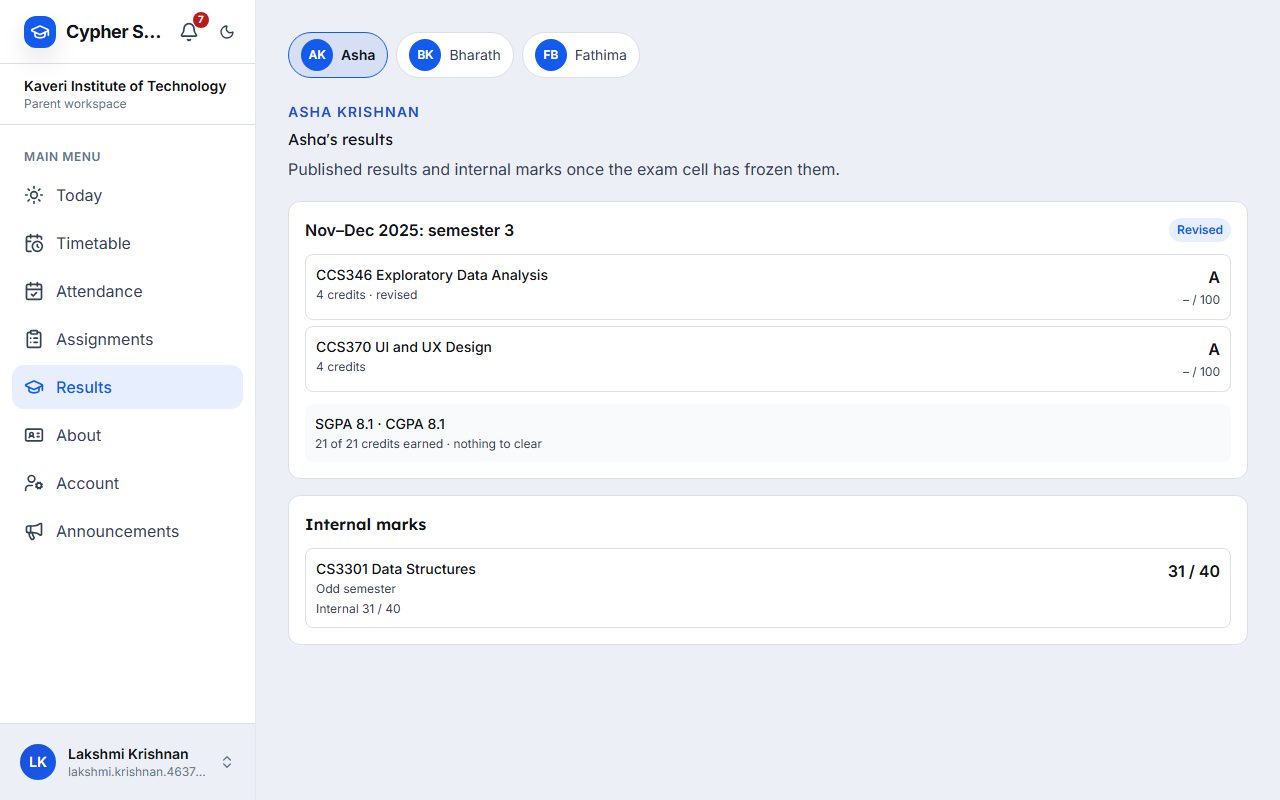
Results shows your child's exam results once the college publishes them, newest first, and their internal marks once the exam cell has frozen them.
Who can do this: parents and guardians who can see their child's Results.
Steps
- In the menu, choose Results. With more than one child, choose the child at the top.
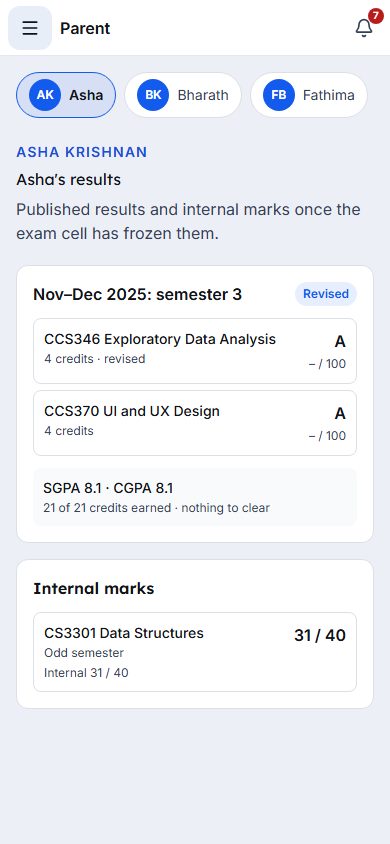
- Read each published session, for example Nov–Dec 2025: semester 3:
- each course with its credits and its grade;
- the SGPA and CGPA, the credits earned, and whether anything is left to clear (arrears).
- Read Internal marks: each course's internal marks, once frozen for the exams.
A result the college changed after publishing it, for example after a revaluation, is marked Revised.
What happens next
When the college publishes a result, you get a notification: "Results are out for {child}". The grades are on this page, not in the notification. See Notifications about your child.
If something goes wrong
- A result looks wrong: your child can ask the exam cell for a photocopy, revaluation or review of a paper, within the dates it sets.
- "Nothing to show for {child} right now. …": results aren't shared with you for that child. See Why you can't see something.