See your child's day, and switch between children
Today shows, for one child at a time, a summary of each area the college shares with you, as of now. With more than one child at the college, you switch between them at the top.
Who can do this: parents and guardians, for each child they're linked to, in the areas they can see.
Read Today
- In the menu, choose Today. It opens when you sign in.
- Read the cards for your child. You see only the areas you can see:
- Today's classes: today's periods with the course and room, and Exams in the next two weeks.
- Attendance this term: the overall percentage and the college's line, for example "57.1% overall, below the line of 75%". It counts up to yesterday: today's classes count from tomorrow.
- Work this week: what's missing, for example "1 piece of work is missing.", and each piece due in the next seven days with its status.
- Results: the latest session, its SGPA and CGPA, and whether anything is left to clear.
- Choose Open on a card to see the full page.
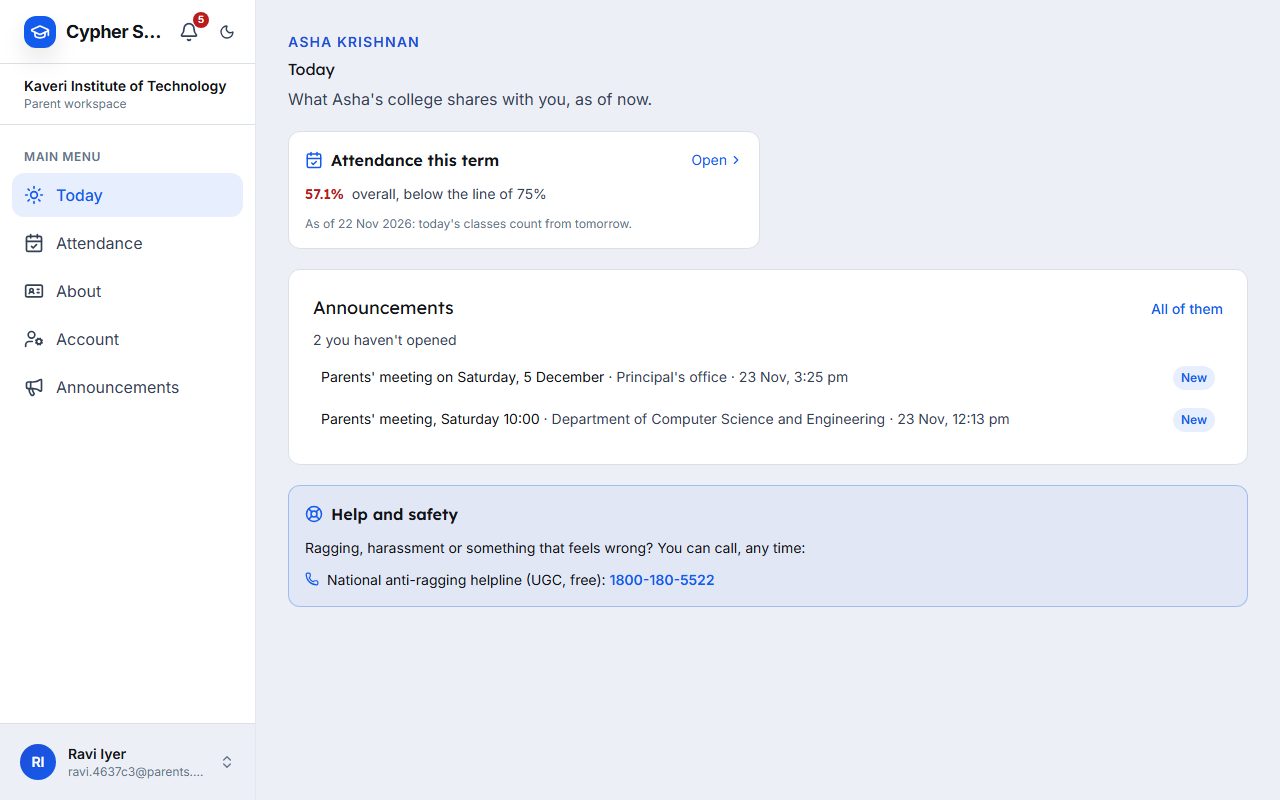
Below the cards: the Announcements the college sent to parents (the same whichever child you choose), and the Help and safety card.
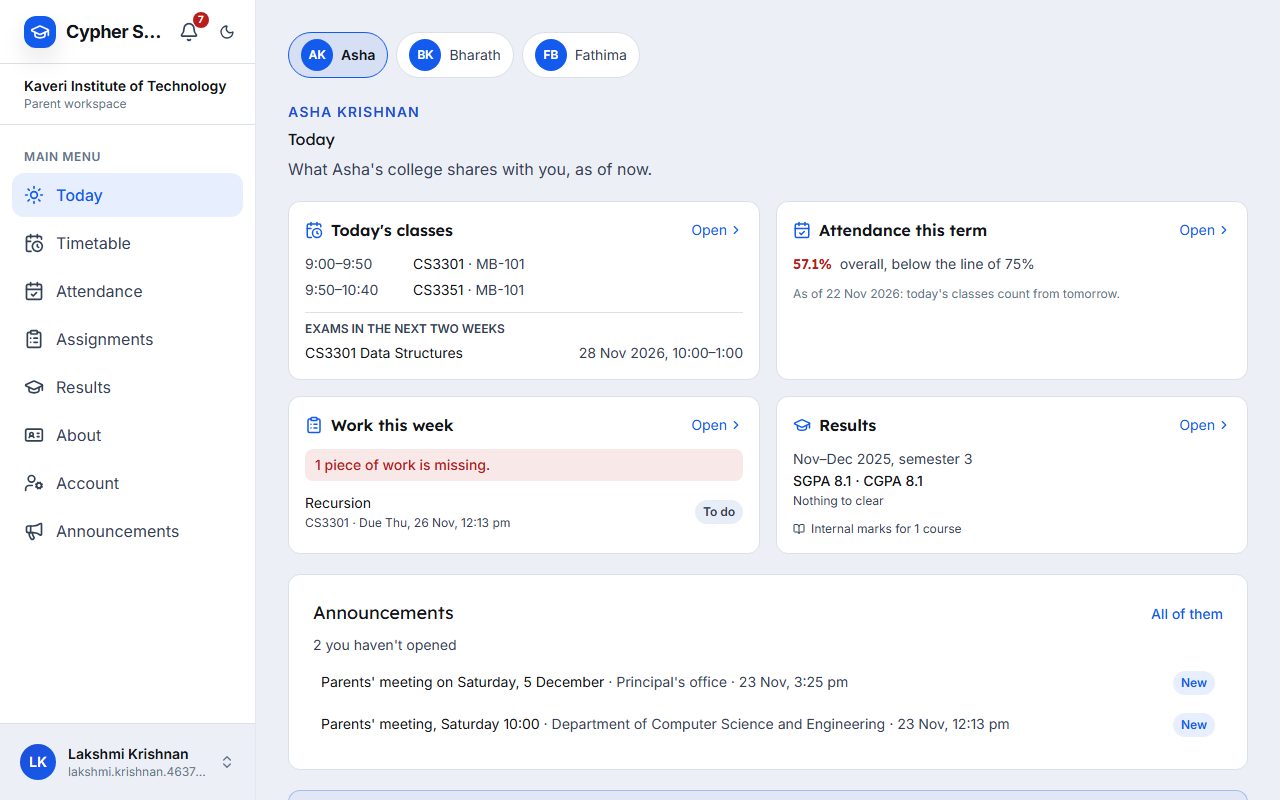
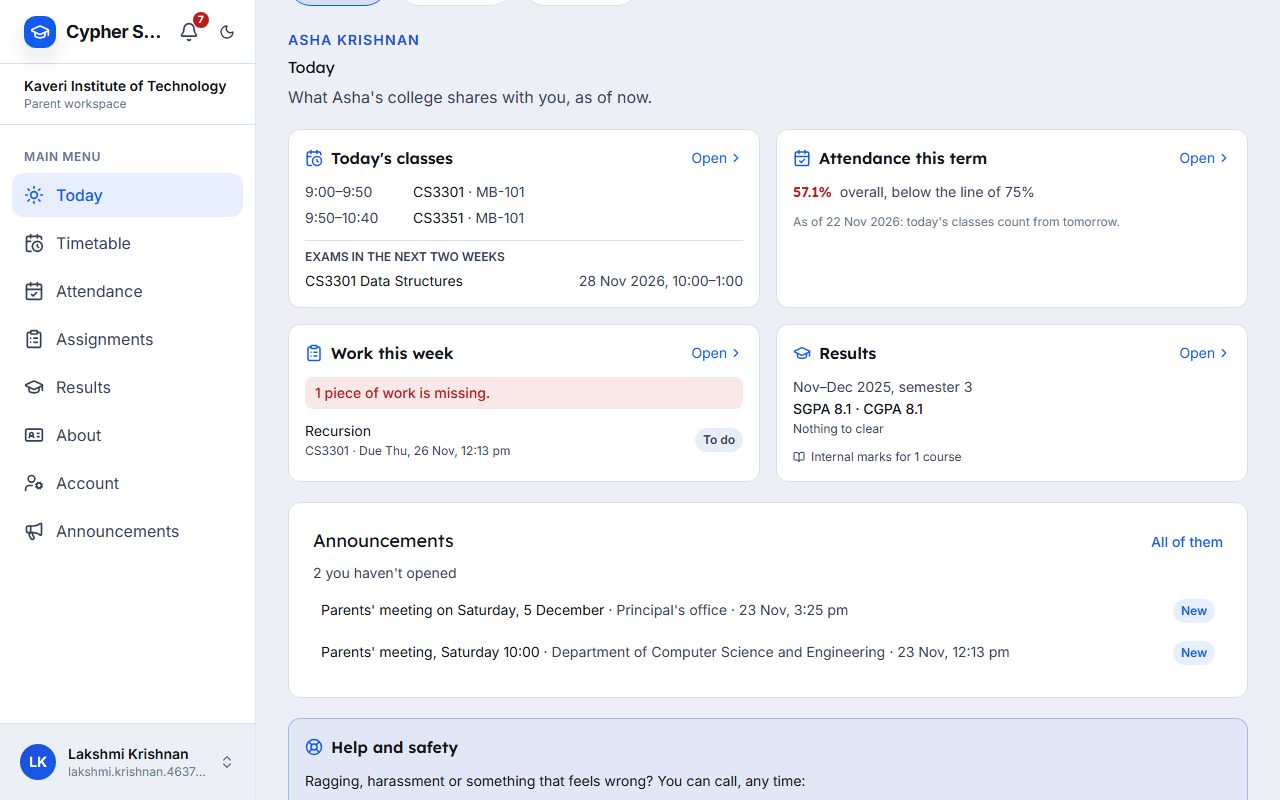
Switch between children
- At the top of any page, choose the child's name.
The page shows that child at once. The app remembers your choice on this device. Each child's areas are decided on their own, so one child may show more than another.
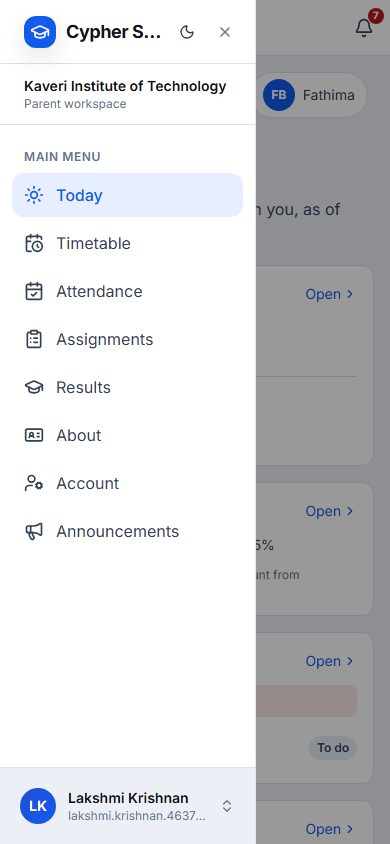
The menu
Your menu shows Today, the areas you can see for the chosen child (Timetable, Attendance, Assignments, Results), About, Account and Announcements. An area you can't see for that child isn't in the menu.
If something goes wrong
- "Nothing to show for {child} right now. …": nothing is shared with you for that child at the moment. See Why you can't see something.
- "Your account isn't linked to a student yet": the college office links parents from students' records. Ask them.
- A child is missing from the top: ask the college office to link you to them.