Read announcements
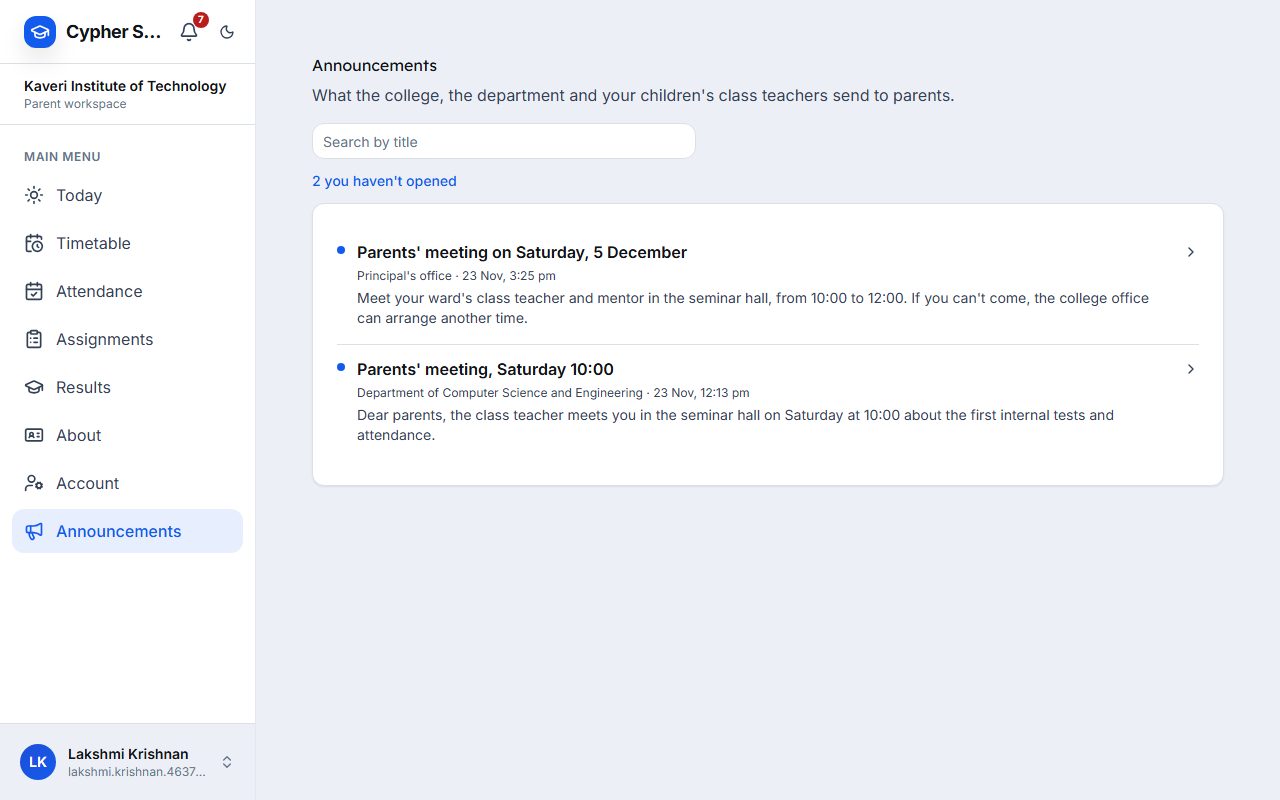
Announcements holds what the college, the department and your children's class teachers send to parents, newest first: a parents' meeting, a holiday, a change to exam dates.
Who can do this: parents and guardians. An announcement reaches the parents who could see at least one area for a child in its audience when it was sent.
Steps
-
In the menu, choose Announcements, or open one from Today or a notification.
The line under the search says how many you haven't opened. Unopened ones have a dot.
-
To find one, type a word from its title in Search by title.
-
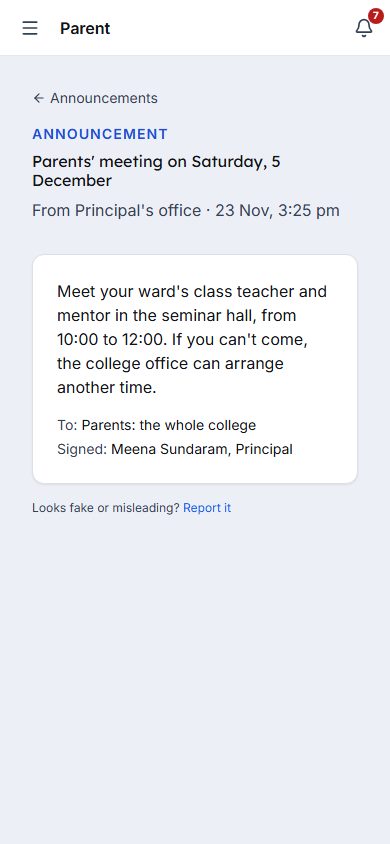
Choose an announcement to open it. It shows who it's from and when, the text, who it's To:, who Signed: it, any files, and the text in a second language when the college added one.
The newest ones are also on Today, whichever child you've chosen.
What happens next
Opening an announcement tells the sender you've seen it. If the sender corrects it, it's marked Corrected; if they withdraw it, it's marked Withdrawn, with their reason.
If something goes wrong
- "No announcements for parents yet.": nothing has been sent to parents yet.
- "Nothing matches": try other words from the title.
- It looks fake or misleading: choose Report it at the bottom of the announcement. See Report something.