Ask for medical leave
When you were unwell, ask for medical leave for those days, with a medical certificate. Once it's approved, your registers still show your marks, and your attendance counts the leave by your regulation's rules.
Who can do this: students, for themselves. On duty isn't asked for here: the staff who send you on duty file it for you.
Before you start
- Have your medical certificate ready as a file, for example a photo or a PDF, under 10 MB.
Steps
- In the menu, choose Medical leave. (Or choose Ask for medical leave at the bottom of My attendance.)
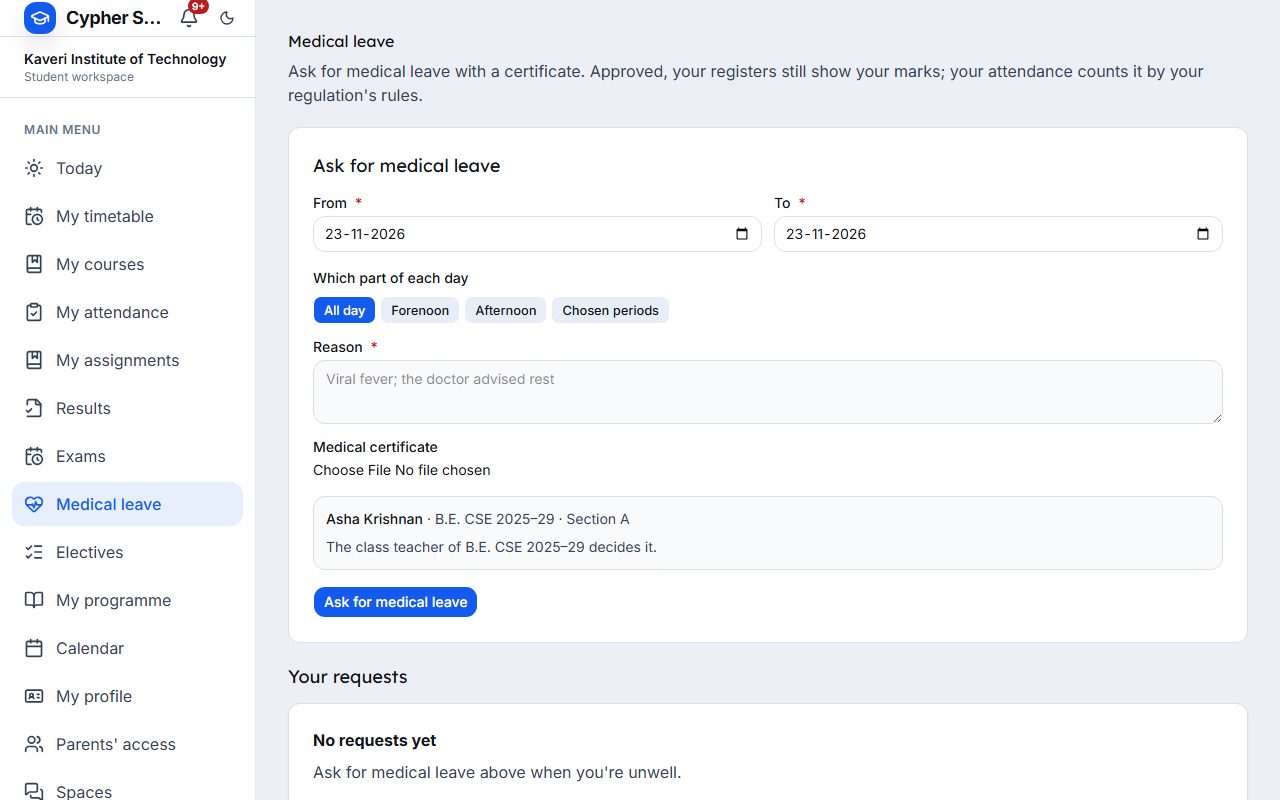
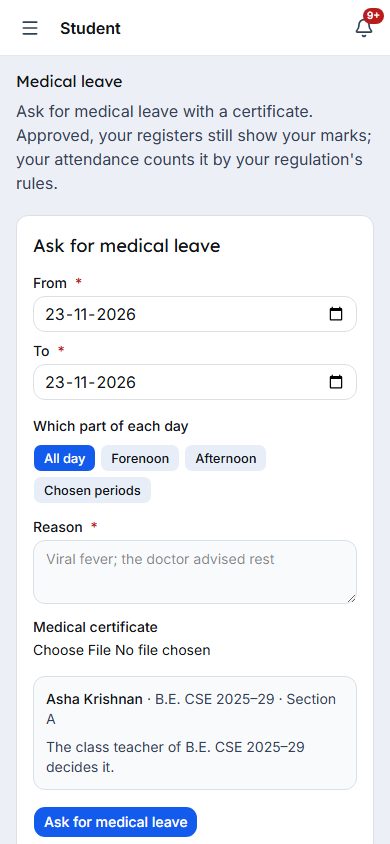
- Under Ask for medical leave, set From and To: the first and last day you were unwell.
- Under Which part of each day, choose All day, Forenoon, Afternoon or Chosen periods. For Chosen periods, pick the periods.
- In Reason, say why in a few words, for example "Viral fever; the doctor advised rest".
- Under Medical certificate, attach the certificate.
- Read who decides it, for example "The class teacher of B.E. CSE 2025–29 decides it."
- Choose Ask for medical leave.
If you're asking late
Your regulation may set a deadline after the last day of leave. If you're past it, the form asks Past the deadline ({date}): why is it late? Say why it's late: the approver sees it. The request is marked Filed late.
What happens next
- Your request appears under Your requests, marked Waiting.
- When it's decided, you get a notification, and the request shows Approved, Approved in part (with the dates approved), or Rejected with the approver's note.
- Approved leave shows beside your marks in the registers, and My attendance counts it by your rules. See How your attendance is counted.
- If your leave needs more than one approver, it's filed as one request for each, and the page says so.
To withdraw a request while it's waiting, choose Withdraw on it.
If something goes wrong
- "No requests yet": you haven't asked for any medical leave.
- "The last date is before the first.": check From and To.
- "The college's file storage isn't set up yet: the file's name goes with the request, not the file. Show the approver the original.": your college can't keep files yet. Take your certificate to the approver.
- A request was rejected: read the approver's note. Ask your class teacher if you're unsure.